Every agentic system has to answer a basic question: where does it run? For most AI tools, the answer is someone else’s infrastructure. You send your data in, you get answers back, and the runtime, logs, and state live in a vendor’s account.
For a chat assistant, that may be fine. For agents that read your invoices, update your CRM, provision your accounts, and draft your contracts, we think it is the wrong default. Our engagements deploy the platform into your own AWS account. This post explains why.
Agents are operations, not a feature
An agent that does real work becomes part of your operations. It holds credentials to your systems. It keeps memory about your customers and vendors. It produces a record of every decision it made and every action it took.
That is the same category as your ERP, your identity provider, and your data warehouse. You would not let a vendor run those in an account you cannot see. Agents deserve the same treatment.
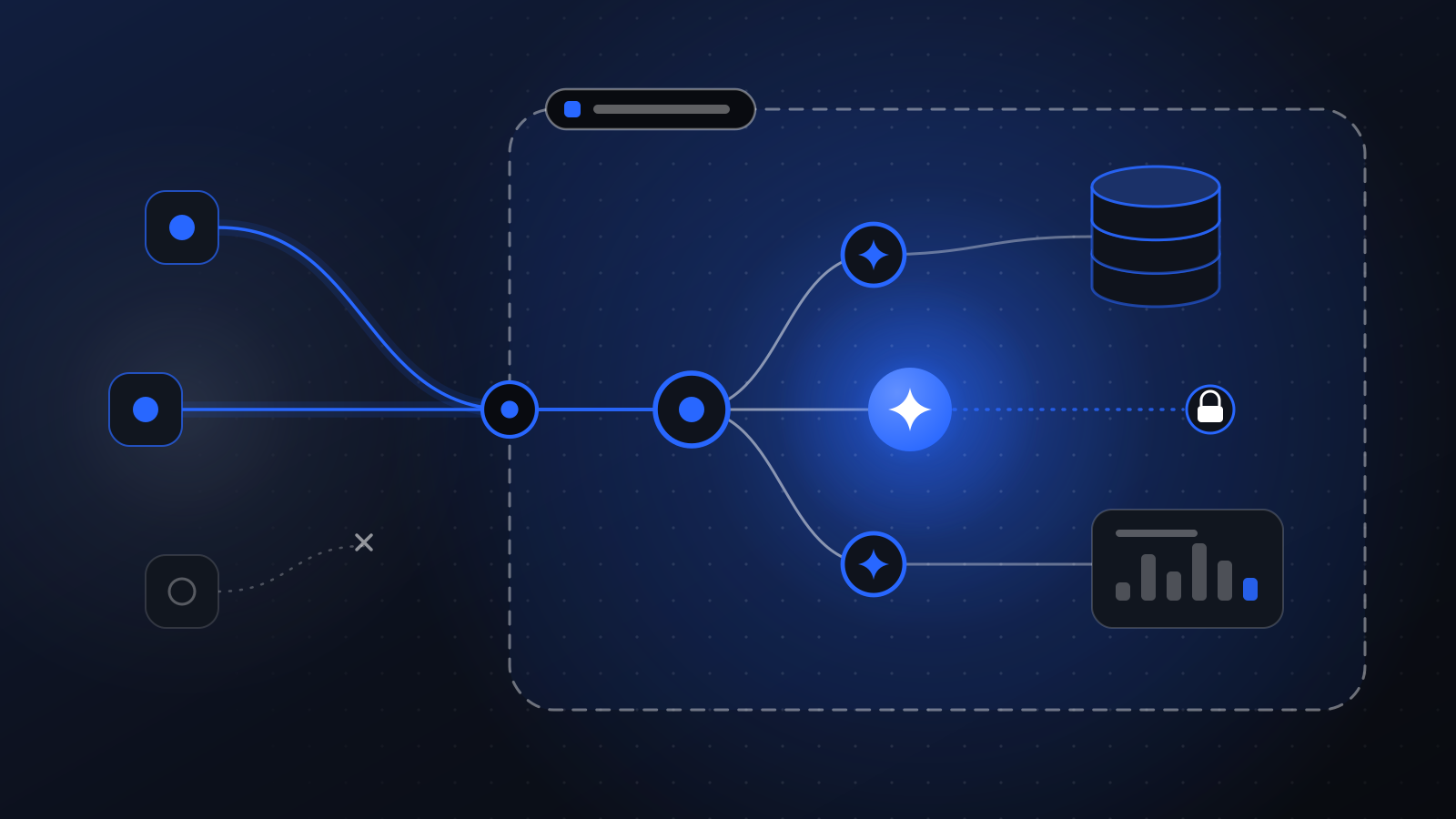
What lives in your account
When we deploy, the following runs on your AWS infrastructure:
- Runtime. The services that execute agents and workflows, built on Lambda, ECS/Fargate, SQS, and EventBridge.
- State. Workflow state, schedules, and agent memory, stored in DynamoDB and S3.
- Keys. Encryption keys managed in KMS under your account.
- Traces and audit trail. Every run, span, tool call, and approval.
- Channels. Email sent through SES on your own domain, API Gateway endpoints under your control.
Model traffic goes only to the model providers you approve, routed through a model gateway that enforces your model policies. You bring your own provider keys.
Four reasons it matters
1. Your security team can actually review it
When the platform runs in your account, your security team reviews it with the tools they already use. IAM policies, network boundaries, encryption settings, and logging are all visible in your console. Nothing depends on a vendor questionnaire and a promise.
The infrastructure is provisioned with OpenTofu, so the whole footprint is written down as code that your team can read, diff, and approve.
2. Governance is yours to set
Retention, export, and erasure are not features you request from a vendor support desk. They are policies you configure. You decide how long run data is kept. You can export data whenever you need it. You can erase records when a customer asks. Audit logs can be exported with signatures, so a reviewer can verify they have not been altered.
3. Costs are transparent
Your AWS infrastructure spend shows up on your own AWS bill, at your own rates, under your own commitments. Our fees are invoiced separately. There is no hidden markup on compute buried inside a per-seat price, and you can see exactly what the agents cost to run.
4. You keep everything if we part ways
This is the one we care about most. If you stop working with us, the platform keeps running. The agents are code in your repository. The infrastructure is in your account. The runbooks are in your hands. You can operate it yourselves, hire someone else, or extend it with your own engineers.
Lock-in is a business model. It is not ours.
What BYOC does not mean
We want to be precise, because this topic attracts overstatement.
Running in your own account does not mean every byte stays inside it. Agents call language models, and those calls go to the model providers you approve. What you control is which providers, under what policies, with which keys. The gateway makes those choices explicit and enforceable, and the traces show exactly what was sent where.
BYOC also does not mean you have to staff a platform team. We deploy it, operate it during the engagement, and hand over runbooks written for your team. You can keep us on to run it. The difference is that it is your choice.
Separate accounts for separate stages
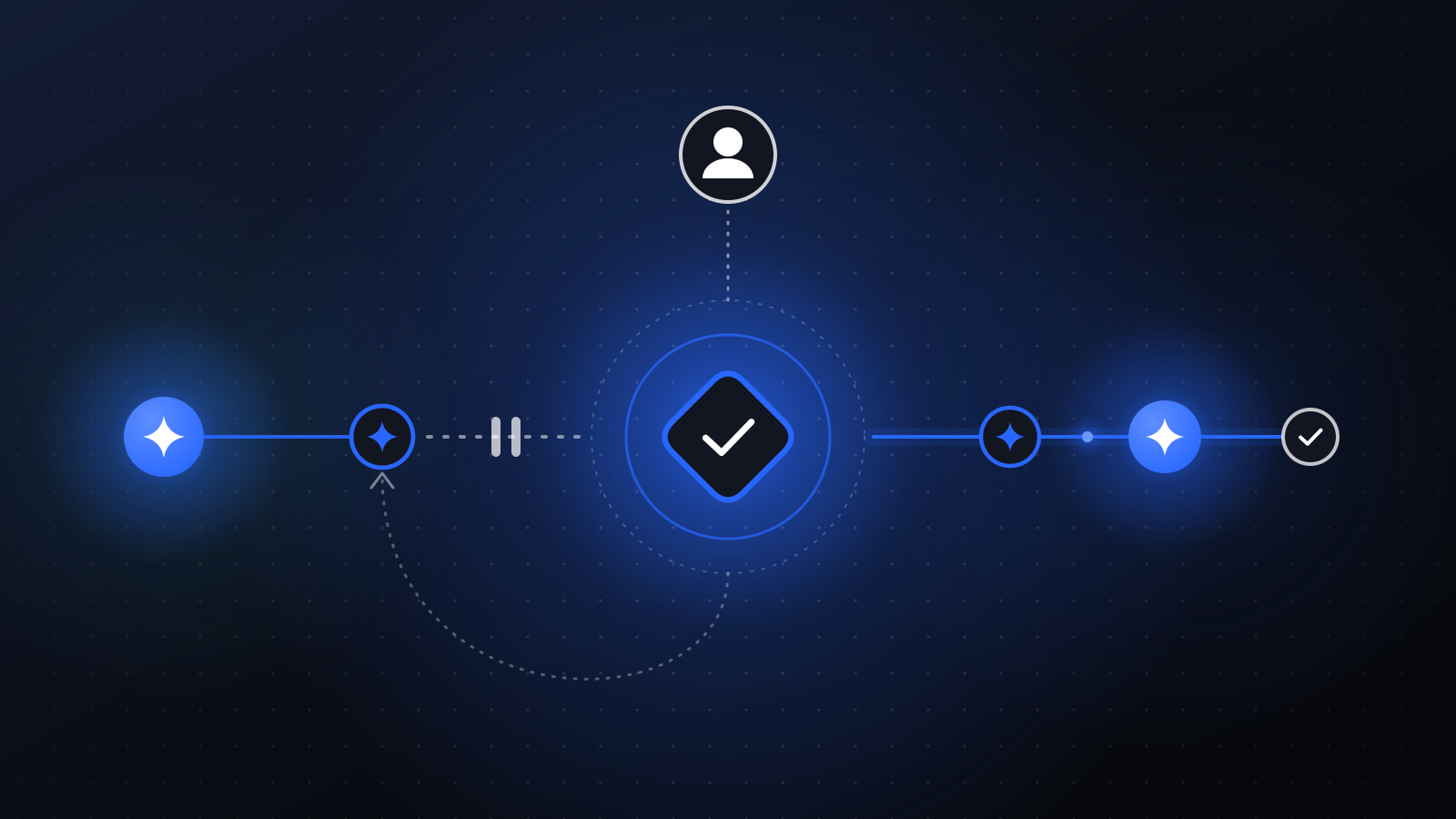
A practical benefit of owning the infrastructure: you can split environments the same way you split them for any other production system. Dev and prod can live in separate AWS accounts. Agent releases are immutable and versioned. A new release is evaluated, rolled out to a canary, and promoted between environments only when it behaves as expected.
This makes change boring, which is what you want. An experiment in development cannot touch a live payment run. A bad release can be rolled back to a known version.
How access works during an engagement
To deploy and operate the platform, we need access to your AWS account. We ask for scoped roles with only the permissions the work requires, and you can review them before granting them. Access is logged in your account like any other activity. When the engagement ends, or any time you choose, you revoke it.
The trade-off, honestly
A hosted tool is faster to try. You sign up and start typing. BYOC takes a real deployment: an AWS account, an OpenTofu apply, some IAM review, and agreement on which model providers are allowed.
We think that trade is worth it the moment agents start doing real work. The extra effort happens once, up front. The control lasts for as long as you run the system.
Talk to us
If your security or finance team has been the reason agent projects stall, this model was built for that conversation. Bring them along. We will walk through what runs where, what we need access to, and how you take it back. Book a discovery call.