“Human in the loop” has become a reassuring phrase that often means very little. Sometimes it means a person is supposed to glance at the output. Sometimes it means there is a checkbox in a settings page. Sometimes it means nothing at all.
In our engagements, it means something specific: certain actions cannot happen until a named person approves them, and the platform enforces that rule regardless of what the agent decides. This post explains how we design those approval points and why we treat them as architecture, not policy.
The problem with bolted-on oversight
Many agent projects start with a fully automated design and add human review later, usually after something goes wrong. That approach has three problems.
First, review becomes an all-or-nothing switch. Either a person checks every output, which defeats the point, or nobody checks anything.
Second, the review lives outside the system. A person is asked to look at a spreadsheet of results after the fact, when the payment has already been sent or the email already delivered.
Third, nobody can prove what happened. Without a record of who approved what, oversight is a story, not a fact.
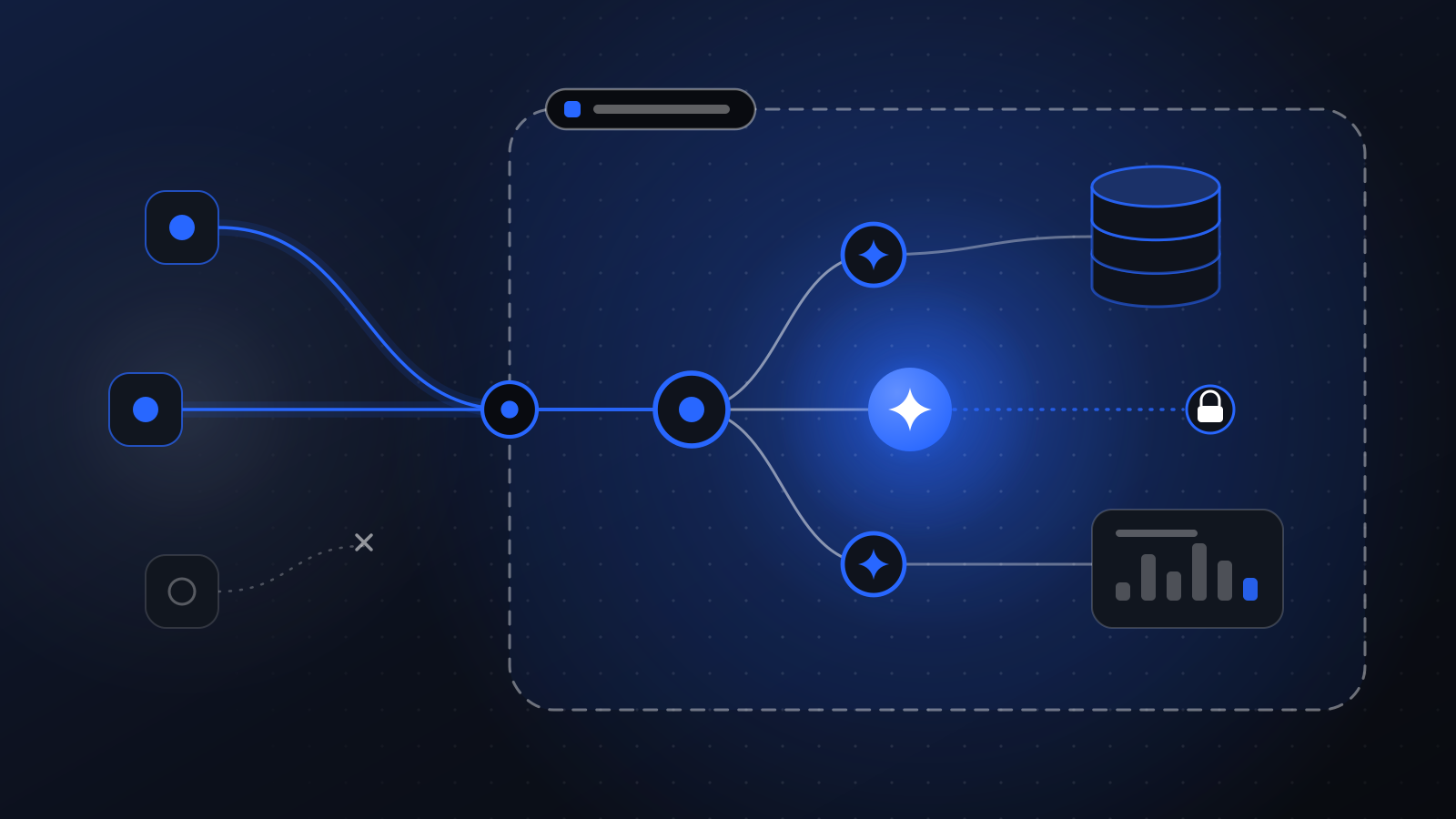
On our platform, approval is attached to tools, not to agents. An agent may have tools to read invoices, look up purchase orders, draft a payment run, and release a payment. Only the last one is marked as requiring approval.
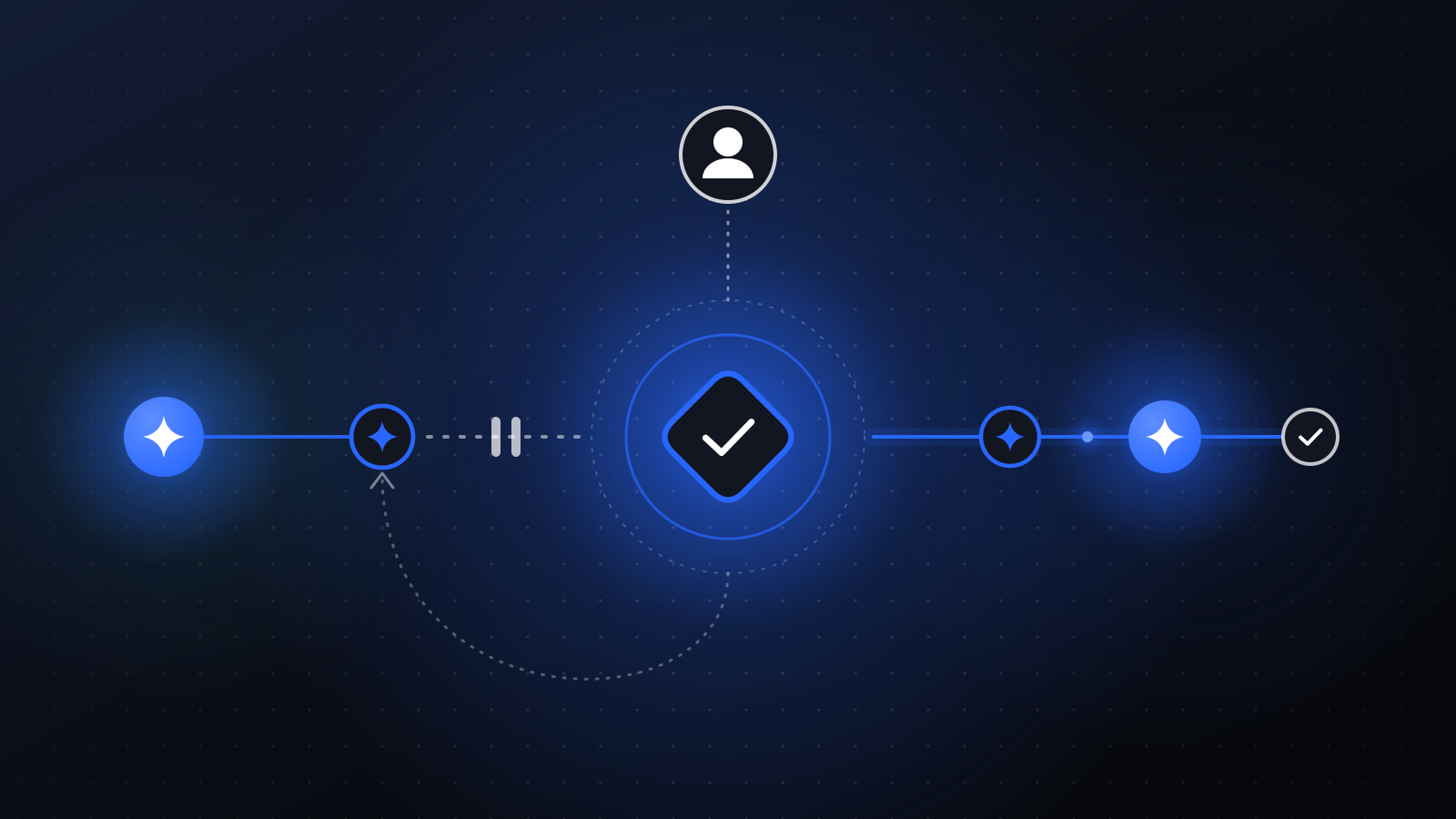
When the agent tries to call an approval-gated tool, the run pauses. The request goes to the right person in Slack or email with a summary of what the agent wants to do and why. The person approves, rejects, or edits. Only then does the tool run.
If an action would be expensive to undo, the agent should not be able to take it alone.
Because the gate lives on the tool, it cannot be bypassed by a clever prompt or a confused model. The agent simply does not have the ability to release a payment without approval.
Where to put approval points
We place approval points during the workflow mapping stage, before any agent is built. We look for four kinds of action.
Actions that move money
Payment runs, refunds, credits, and discounts. These almost always need approval, at least until a long track record says otherwise.
Actions that change access
Granting system access, changing group memberships, updating vendor bank details. Mistakes here can create security incidents that are hard to detect.
The first email to a new lead, a redline to a counterparty, a customer reply in a category you have not yet cleared. Once a template or category has been proven, you can relax the gate for it specifically.
Destructive changes
Deleting records, merging CRM entries, closing accounts. The agent can propose a batch, and a person approves it in one step.
Where not to put them
Equally important: do not gate reading, looking up, summarizing, and drafting. Those steps are where agents save the most time, and gating them turns your team into proofreaders. Keep approval points few and deliberate.
Make approvals easy to give well
An approval request is only as good as the information in it. A bare “Approve payment run?” invites rubber-stamping. We design approval requests to include:
- What the agent wants to do, in plain language.
- Why, with the rule or evidence that led there.
- What is unusual, such as a new vendor, an amount outside tolerance, or a changed bank account.
- Links to the trace, so the approver can see exactly what the agent read and did.
Approvers should be able to make a confident decision in seconds for routine cases and dig in when something looks off.
Every decision is recorded
Every run on the platform is traced. Every tool call, every approval request, and every decision is recorded with who made it and when. That trail lives in your own AWS account, and audit logs can be exported with signatures for reviewers.
This turns oversight from a promise into evidence. When someone asks, “Who approved this payment?”, the answer is a link, not a guess.
Approval points change over time
A well-designed system lets you move approval points as trust grows. A support category that has been drafted accurately and approved without edits for a long stretch can be cleared for direct send. A new tool added to an agent starts gated by default.
These changes are code changes. They go through review, ship as a new immutable release, run through evaluations, and roll out to a canary before promotion. Loosening a control is a deliberate, recorded decision, never a quiet settings change.
What about when the agent is wrong?
It will be, sometimes. The design question is what happens next.
With approval points in the right places, a wrong proposal is caught before it becomes a wrong action. With traces, you can see why it happened. With evaluations, the case gets added to the test set so the next release is checked against it. With versioned releases, you can roll back if a change made things worse.
That loop, catch, explain, test, and fix, is what lets you trust agents with more over time.
Talk to us
If you are weighing agents but worried about losing control, start by telling us which decisions in your workflow must stay with people. We will design around them. Reach us here.